What you leave with
A catalog of your own work or collection, started in the room, with a clear path to finish it.
- An application, not a spreadsheet. Search it, filter by medium, subject, size or year, and print a report you can hand to an insurer or an appraiser.
- On your computer, not on someone else’s server. Press Takeout and the whole thing comes with you. It is a file, so keep it in OneDrive or iCloud and it is backed up and on every device you use — without renting anything.
- Yours to keep. No subscription, no seat fee, no account to close. The take-out code is yours.
- Shaped to your work. Start from a template for art collections and change it by describing what you need — different fields, a second table, a report that didn’t exist before.
- Built for one person or one estate. Not enterprise software. This is for the artist, the collector, and the family sorting it out.
For the price of a workshop seat, you walk out with software you can use for a lifetime.
Demo database
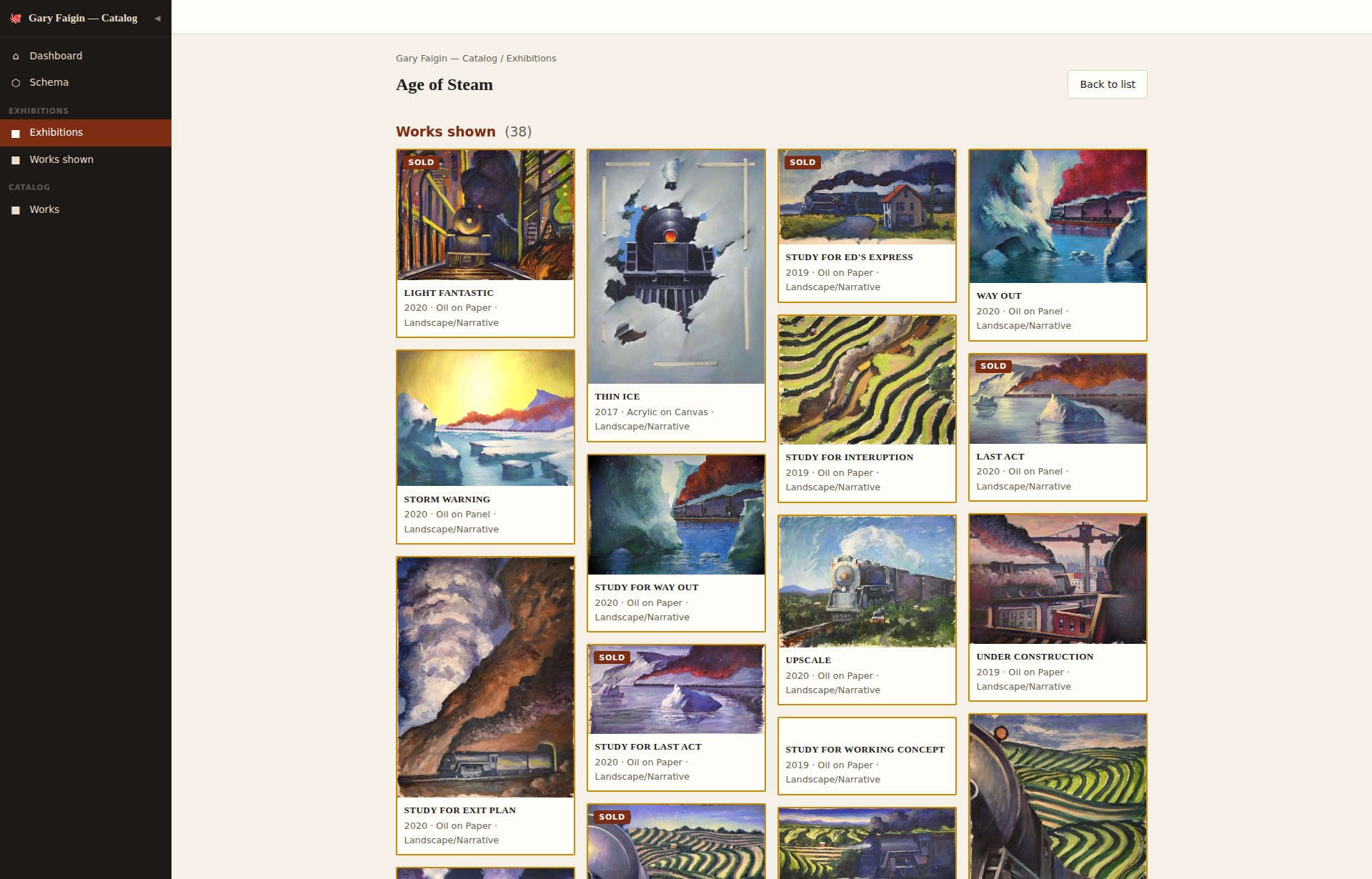
Age of Steam
Version 04 — share any work from your phone: its photo and a one-line caption, ready to send. Come back to see the database evolve.
Who it’s for
You have a body of work — or a collection — and nowhere good to keep the record of it. What you have, where it is, who has it, what it cost and what it earned: a file, another file, a drawer, and your head. Whether you make the work or own it, that is the same problem.
Especially worth it if…
- You have decades of work and can’t say where a piece is, when it showed, or who owns it.
- You’ve bought over the years and the provenance lives in emails, receipts and memory.
- You’re responsible for someone else’s work — an estate, a parent’s studio — and there is a deadline.
- An insurer, an appraiser or a lender has asked for a list, and you don’t have one.
Artists
The catalog and the CV — what you have made, where it has shown, solo and group, what sold and to whom. And the practice behind it: materials, costs, the studio, and where each piece actually is.
Collectors
What you own, where each piece came from, what you paid and what it is worth now. Provenance is the part that has to outlive you — for an insurer, for a loan to a show, for whoever it goes to next.
Estates & heirs
A body of work you did not make and can no longer ask about. What exists, what it is worth, what was promised to whom, who has borrowed what — assembled out of files, folders and memory, usually against a deadline.
Whichever one you are — same price, same room.
Featured guest
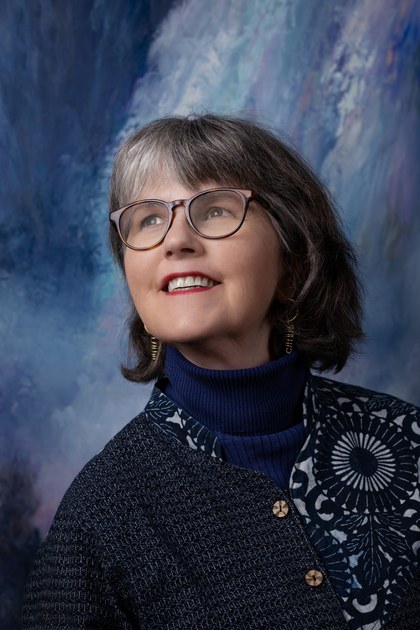
Pamela will show what Gary’s catalog looks like now, and what it lets her answer that the old files could not.
Pamela Belyea is a Seattle-based architect, educator, arts advocate, and community organizer whose work bridges the arts, education, and public service. A Cooper Union–trained architect and co-founder of Gage Academy of Art, she has spent her career creating opportunities for artists, students, and underserved communities. She is the founder of the Grievers Library and works to preserve and share the artistic legacy of her late husband, Northwest artist and educator Gary Faigin.
Case study: The Estate of Gary Faigin
A catalog for a working artist and educator
Before
Gary Faigin kept his records in a Microsoft Access program from the early 2000s — 436 works, 508 editions, 135 patrons, a sales ledger — whose last entry is February 2022, with hand-kept records since.
After
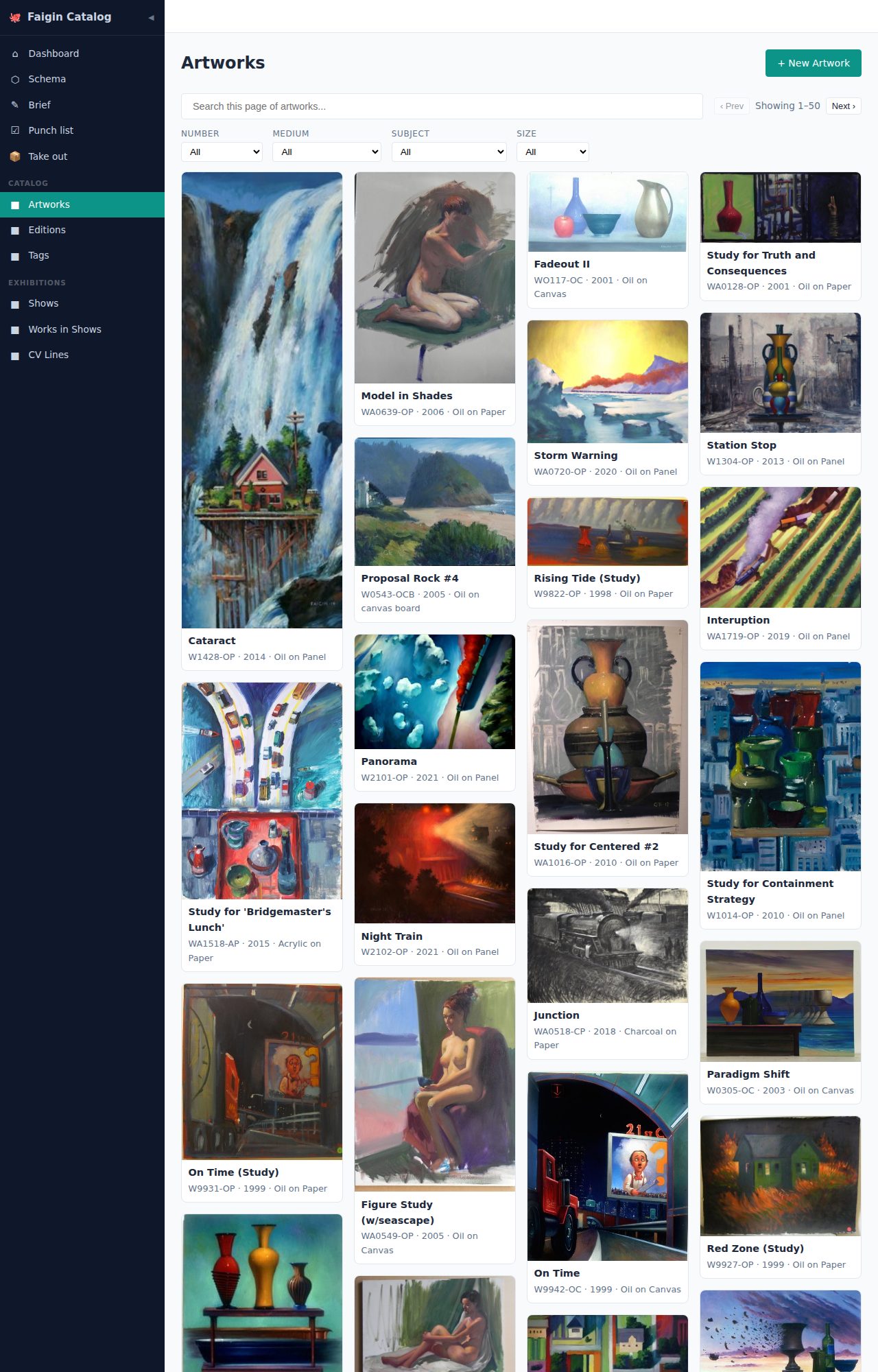
In a single day, Ivan turned those files into an application of Pamela’s own that opens in any browser. Search it, filter it by medium or subject or size, print a report for an insurer or an appraiser.
Result
It is not one app but two — the catalog, which the room can see, and the patron records, which are Pamela’s alone. Both run on her own computer, in a browser, and she decides where the files live.
Workshop facilitator
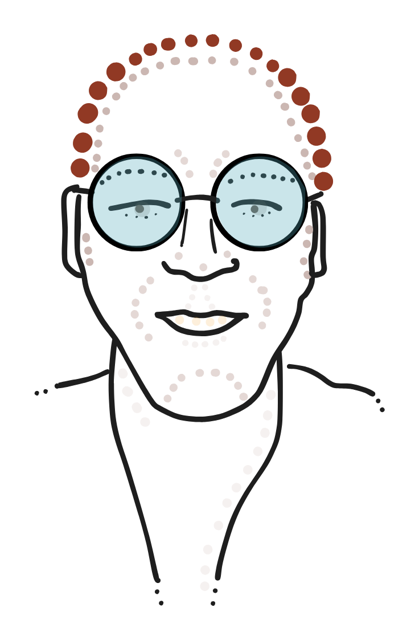
Ivan Schneider, founder of Model Citizen Developer.
He began his career as a database programmer, and built the catalog in the case study above.
He currently sits on the board of National Speakers Association Northwest.
Ivan has spoken at Puget Sound Programming Python, Seattle Postgres, AI Tinkerers and the Tech SIG for NSA Northwest on the stack behind this room — the one that writes a whole database from a description in plain words, the custom system running Convention City Dispatch, and Survey of Software, a library of two hundred and thirty researched software surveys.
Ivan spent 2020–2021 in Gary Faigin’s Still-Life Atelier at Gage Academy of Art. See the year’s work →
Guest speaker

The afternoon
-
12:00
Arrival, coffee, lunch
- Introductions around the room.
-
12:30
Featured guest
Discover:
- How AI-powered databases change what’s possible
- New possibilities for recordkeeping, curation, and estate planning
- What it’s like to chat with your catalog
-
1:00
Knowing What Matters: Art, Judgment & Human Intelligence
- Veni Folta, Chief Happiness Officer, The Inspired Action Group
-
1:10
Workshop
- A ten-minute walkthrough of what your instance can already do, then twenty minutes to explore it yourself and shape it into what you need. And then take it home with you.
- Help each other along the way — everyone at the table is doing the same thing at the same time. A laptop is useful if you have one; a phone still works.
-
1:40
Showcase
- Share what you built
- Where to go from here
- What’s coming next
-
2:00
End
The next one
This room was held on Tuesday, September 22, 2026. Leave your email to hear when the next one is booked.
Getting there
- Where
Mercer Island Community & Event Center
Room 103, Calkins
8236 SE 24th St, Mercer Island, WA 98040 - WhenTuesday, September 22, 2026. Doors 12:00, session 12:30–2:00.
- Parking211 free parking stalls on site, plus ADA parking.
- Light railMercer Island station, on Link’s 2 Line, is about a 0.4 mile walk.
- RoomCalkins 103 is on the first floor, off the lobby.
- WifiFree wireless internet throughout the building.
- BringYour phone for the room. A laptop is useful if you have one.
- RecordingThis session will be recorded. If you are in the room, you are on camera.
- Questionsivan@ivantohelpyou.com